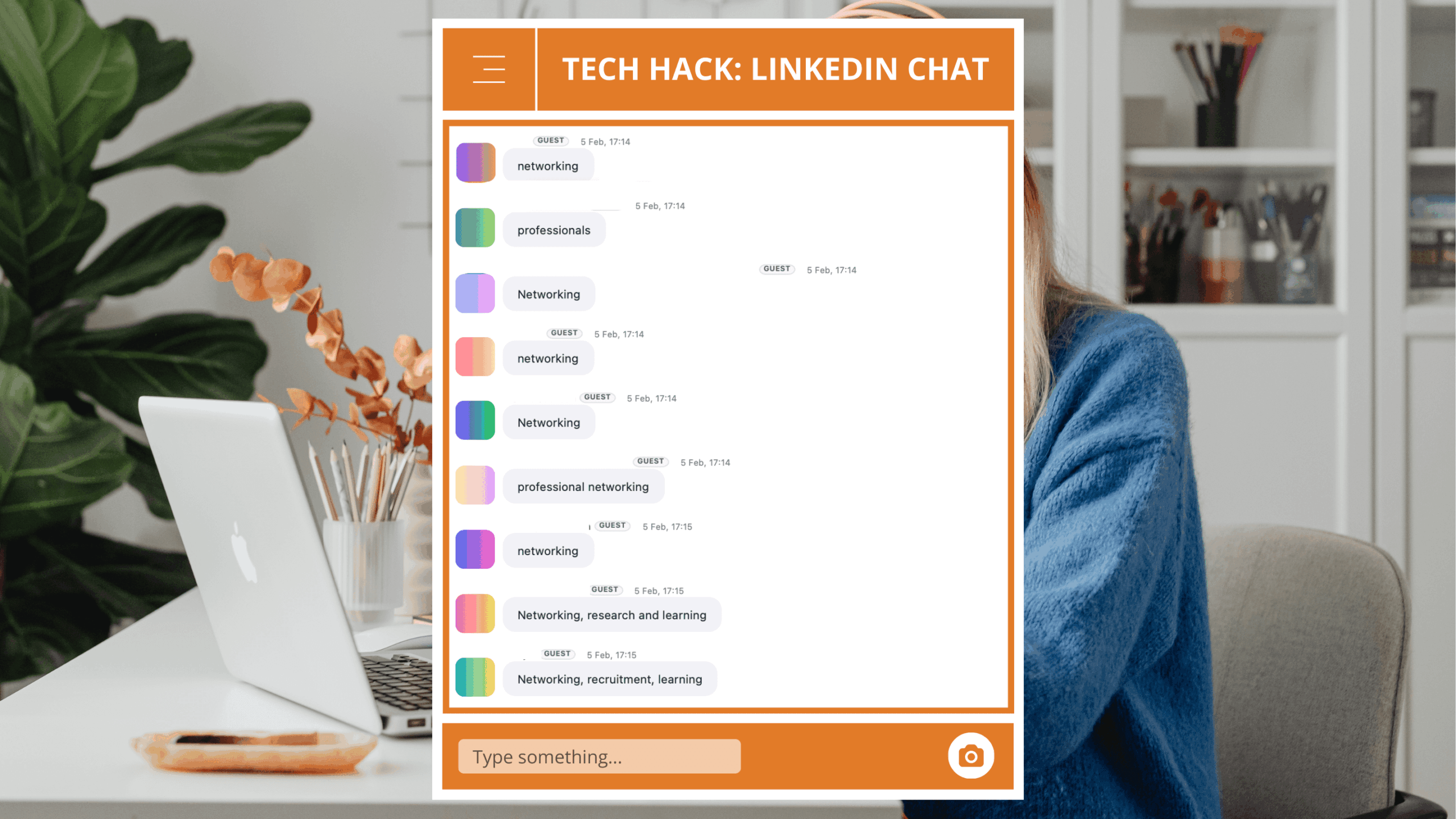
Admin professional on camera with minimal post engagement, highlighting visibility challenges on social media.

How LinkedIn’s Algorithm Fuels a Gender Visibility Gap

The “bro-boost” story (and why it feels so familiar)

You’ve probably been seeing the posts, women switching their LinkedIn gender to male, tweaking photos and headlines, even “bro-coding” their content, only to watch their views and profile visits suddenly spike. 

Others have created a post with a male colleague, each posting to their profiles only to witness the post on the male colleague’s feed travel further and faster, even though they were identical posts.

One Official, Hillary Robertson recently share in the HQ community, “I deleted my demographics rather than switch to male, and my reach skyrocketed within 2 days.” Experiences like Hillary’s highlight a truly disturbing issue, that LinkedIn and other online platforms have algorithms that disproportionately amplify the boost of male users over female users.


Intersectionality and the Internet: Not all digital bias is equal

And we have to say this clearly, this doesn’t land the same way for all women. Women of color, women with disabilities, and anyone living at the intersection of multiple marginalized identities often experience even harsher penalties in visibility, credibility and how their content is policed.

If that feels depressingly familiar, it’s because it is. Sexism at work is older than every platform we’re using. In the 1960s, Dame Vera Stephanie Shirley was a brilliant mathematician who wanted to keep working after having a child. So she did something radical, she banded together other highly qualified mothers who were stuck at home, and built a remote tech company doing serious work (flight software for Concorde, stock control systems, train timetables) long before flexible working was a buzzword. To get taken seriously in business, she signed her letters and would turn up to meetings as Steve Shirley, confronting sexism face-to-face. 

It shouldn’t be lost on us that in 2025, women are still having to play similar games with their names, photos and profiles just to get their ideas seen but now it’s a digital game as well. 

So… is LinkedIn sexist? As always, the reality is more complicated than a simple yes or no.


What algorithms and LLMs actually do with that history

Most modern platforms, including LinkedIn, use AI systems to decide what you see, and these systems learn from massive pools of historical data and user behavior.

That matters, because:

  • LinkedIn’s job-matching algorithm has already been found to disadvantage women. MIT Technology Review reported that even when gender was removed from the data, LinkedIn’s system learned to favor male candidates because men tend to apply for jobs they’re less qualified for, while women typically wait until they meet almost all the criteria. The algorithm learned that behavior and amplified it, recommending more men for senior roles.
  • Other companies have had to scrap biased AI entirely. Amazon abandoned an internal recruiting tool after discovering it was automatically downgrading resumes that contained the word “women’s” (as in “women’s chess champion”) because it had been trained on mostly male resumes.

The pattern is clear, AI systems don’t wake up one morning and decide to dislike women. They learn from a world that already undervalues women, and then they industrialize that bias at scale.

That’s exactly what Emma Wilson argues in her Is LinkedIn sexist? piece, what we’re seeing is less a single evil algorithm and more a messy interaction between data, design and human behavior, where platforms amplify the patterns they’re fed.


Behavior vs Code: The Visibility Paradox

One of Emma Wilson’s most useful distinctions is this, an algorithm can look sexist even if the rule itself isn’t to “prefer men.” You have to separate what the algorithm is trained to reward and how people behave towards different posters, who they click, trust, reply to, or quietly scroll past.

Research shows that men and women, on average, are showing up with different behaviors around confidence and risk. A gender-equality study found something important, on average, women score higher on verbal ability and altruism, while men score higher on risk-taking and self-esteem.

If you layer that over LinkedIn, a pattern starts to emerge:

  • On the human side, women are more than equipped to write sharp, compelling content.
  • On the platform side, LinkedIn quietly rewards behavior that looks like confident, frequent, self-promotional posting, the same kind of risk-taking and self-belief men are still more socially encouraged and forgiven for.

So we end up with this visibility paradox:

The issue isn’t that women don’t have the words. It’s that the system is tuned to boost the people most willing to push themselves forward, most often, in the boldest terms, behaviors men are still more likely, and more free, to lean into.

So when women see their posts underperform, it’s a sign that the platform is optimized for a style of visibility many women have been taught to dial down, and punished for when they don’t.


So… is LinkedIn sexist?

Here’s the framing I find most useful (borrowing from Emma):

The better question isn’t “Is LinkedIn sexist?”

The better question is: “Does LinkedIn amplify existing human biases, spam patterns and communication norms in ways that often disadvantage women, especially women at the intersections of race, disability, class and caregiving?”

Looking at the job-matching bias, the bro-boost experiments, and the under-representation of minority groups in ranking systems, it’s hard not to conclude that the answer is yes, that’s exactly what’s happening.

This is less a story about one evil platform and more a story about biased training data, biased platform incentives, biased social responses (who we choose to amplify, trust, hire, promote and quote).

When biased history trains modern systems, it’s no surprise the results keep landing harder on women.


What can you do about it? Especially if you’re an EA or admin. 

We know that AI can and does pick up the worst of our offline habits and magnify them. We know women are not lacking in ability, ideas or words. We know that EAs and admin professionals are often the ones quietly holding organizations together, and that your voice is badly needed in public, not just behind the scenes.

We can’t fix this on our own, but we’re not powerless either. Here are concrete moves you can make, starting today.

At the bare minimum, we need to back ourselves more loudly and more often.

That looks like:

  • Using more assertive, specific language about what you deliver (“I designed and led…” vs “I helped with…”).
  • Positioning your role around strategic outcomes, not just tasks (“I own the exec’s schedule” vs “I manage his calendar”).
  • Taking more calculated risks such as posting the opinion piece, sharing the story of a boundary you set, talking about measurable impact, asking for the raise or title change instead of waiting to be noticed.

From our conversations with assistants, this is the core mindset shift, moving from “support person keeping things afloat” to strategic operator whose judgment moves the business.

2. Plug into communities that treat your ambition as normal

In a room full of ambitious admins and assistants, things that might feel “too much” elsewhere, like talking about money, impact, boundaries, thought leadership, are baseline, not bragging.

That’s why, at The Officials, we encourage our members to treat their career like a business and the employer as their client. We teach them to better understand the service they provide and know the business case for each one of those services. It doesn’t cut it to say, “I check their inbox and reply to emails.” Administrative professionals need to use elevated language that properly articulates the business case for their role by instead saying something like, “I build and implement an inbox triage system that speeds up processing, prioritizes business-critical matters, reduces oversight risk, and delegates at every appropriate opportunity so the executive stays responsive and free to focus on high-value work.” 

We want our community to know that they don’t have to rewire their relationship with visibility alone. In our weekly mentorship sessions, open to any administrative professional, Officials practice using agentic language, with support, so that it is easier to deliver it when to their “clients”, aka executives.

3. Use your voice and your vote

There’s also a policy and product side to this:

  • In the UK, you can add your name to a petition calling for fair visibility for all on LinkedIn, pushing the platform to audit and address gendered outcomes in its algorithm.
  • Tech companies, like LinkedIn, repeatedly say they care about their users and are committed to building the best platforms for them, meaning those users can hold them accountable by asking:
    • How are you auditing your systems for gender and race disparities?
    • How are you cleaning and rebalancing training data?
    • How can creators challenge unfair moderation or reach drops and have that feedback fed back into the model?

Platforms are responsible for building systems that don’t silently punish women for existing, leading or talking about their careers and lives. We’re responsible for insisting on that, and for refusing to disappear quietly when the numbers don’t add up.

4. Be intentional about how you train the system

Finally, remember, your own clicks and comments are training data.

  • Comment generously and substantively on women’s posts, especially those of women of color, disabled women and other marginalized voices.
  • Share and save content that centers assistants’ expertise, not just their helpfulness. 
  • Challenge posts that recycle tired stereotypes (“just an EA,” “my girl who sorts out my chaos”) and instead amplify language that names the strategic nature of the work.

Small choices compound. If enough of us change what we reward, the signals going back into the system change, too


We discuss topics like this and how to show up as a leader in your workplace in our Weekly Mentorship Sessions. These sessions are free for all administrative professionals to attend and allow you to crowdsource advice and support from other hardworking peers. 

We need your voice and would love to see you at our next session

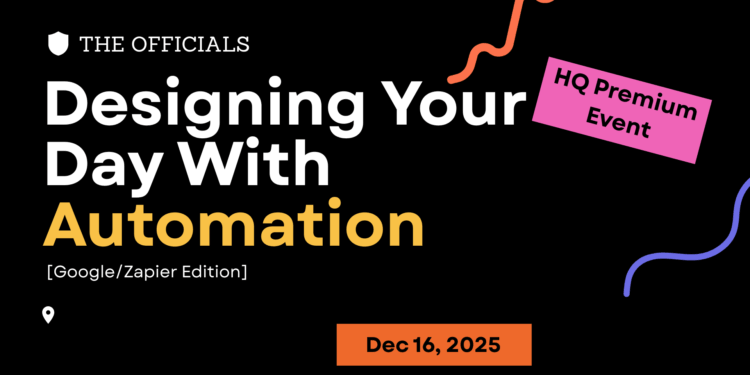
HQ Tech Bite: Designing Your Day with Automation [Google/Zapier Edition]

Please note this page may contain affiliate links that support us to do what we do best. We only partner with products and services we love. You can read our Affiliate Disclaimer for more information.

December 16 @ 4:00 PM 5:30 PM GMT

8-9:30am PT | 11am-12:30pm ET | 4-5:30pm UK

Workflows that think ahead so you don’t have to

This session gives you a clear, practical introduction to automating your work using Google Workspace and Zapier. Ideal for assistants managing forms, calendars, documents, spreadsheets, follow-ups, and cross-platform tasks. If your day spans multiple apps, this is where you learn how to make them talk to each other.

What to Expect

This session gives you a clear, practical introduction to automating your work using Google Workspace and Zapier. Ideal for assistants managing forms, calendars, documents, spreadsheets, follow-ups, and cross-platform tasks. If your day spans multiple apps, this is where you learn how to make them talk to each other.

You do not need access to Zapier to attend and automate. 

In this session, we’ll cover:

  • Intro to Automation
  • Getting Started with Automation
  • Real EA-friendly demo workflows
  • Common pitfalls and how to avoid them

Who Should Attend

Assistants, VAs, and team coordinators who rely on Google Workspace or want cross-platform automation without using Power Automate. No prior Zapier experience required.

FAQs

Do I need prior experience?
No. This session is beginner friendly.

Any prerequisites for the session?
No but it helps to check that you have access to Apps Script and to have it open and ready to go during the session. It is also helpful to have access to Zapier but not necessary.

Will I get templates?
Yes, you’ll receive starter workflows and idea lists.

Is this recorded?
Yes. Replay will be available to registered attendees.

Save your seat and learn how to streamline your day with Google and Zapier.

This is a Premium HQ member event.

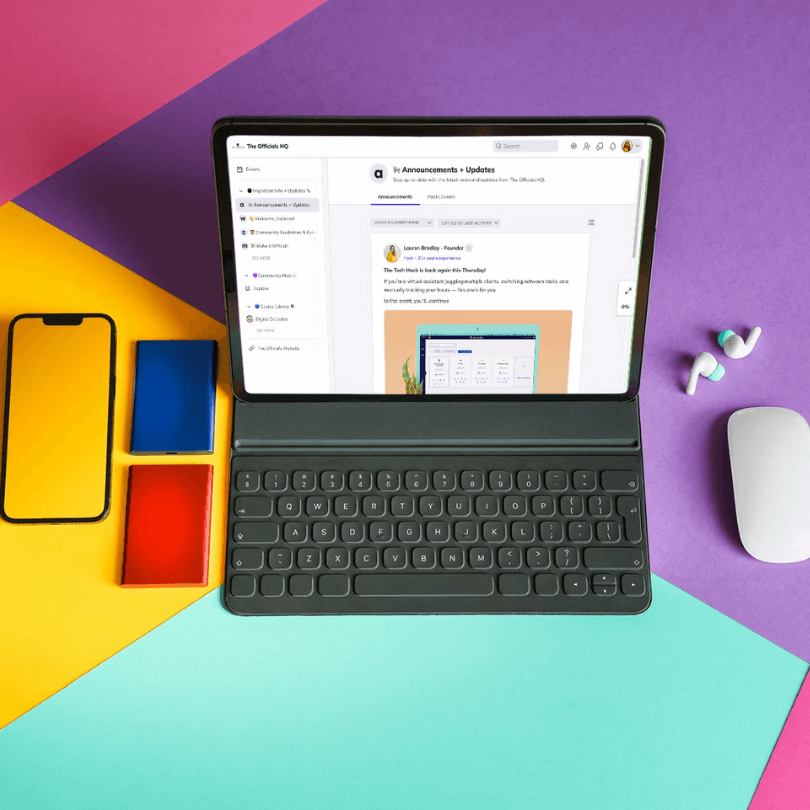
The Officials HQ Online Training and Community Platform displayed on a laptop

HQ Members

Yay! We are so excited you want to join us.

Register inside HQ
Make sure you RSVP for this event via the Events page inside of HQ so we know you are coming.

Reminder
You can also add a reminder to your calendar.

The Officials HQ Online Training and Community Platform displayed on a laptop

Not a member?

Join the Explorer Plan to Access Exclusive Free Events!

To attend our free events, sign up for the freemium plan and enjoy these benefits:

  • Access to Free Events: Attend exclusive, free events open only to Explorer members.
  • Stay Informed: announcements and news about upcoming events and community updates.
  • Public Event Invitations: Get early access to public events available to the broader network.

View Organizer Website

HQ Tech Bite: Designing Your Day with Automation [Microsoft Edition]

Please note this page may contain affiliate links that support us to do what we do best. We only partner with products and services we love. You can read our Affiliate Disclaimer for more information.

December 9 @ 4:00 PM 5:30 PM GMT

8-9:30am PT | 11am-12:30pm ET | 4-5:30pm UK

Workflows that think ahead so you don’t have to

This session shows you how to transform repetitive admin tasks into smooth, automated workflows using the Microsoft ecosystem. If you’re juggling Outlook, Teams, SharePoint, and endless follow-ups, this is where you learn how to make those tools work together — and work for you.

What to Expect

A fast, practical walkthrough of the Microsoft tools assistants can use to automate everyday admin tasks. We’ll break down what Power Automate is, where it fits into your day, and how to build simple but powerful flows you can use immediately.

In this session, we’ll cover:

  • Intro to Automation
  • Getting Started with Automation
  • Real EA-friendly demo workflows
  • Common pitfalls and how to avoid them

Who Should Attend

Assistants, office managers, and operational pros who work in Microsoft 365 and want to automate without becoming a developer. Perfect for beginners and anyone curious how far Power Automate can take them.

FAQs

Do I need prior experience?
No. This session is beginner friendly.

Any prerequisites for the session?
No but it helps to check that you have access to Power Automate and to have it open and ready to go during the session.

Will I get templates?
Yes, you’ll receive starter workflows and idea lists.

Is this recorded?
Yes. Replay will be available to registered attendees.

Join us and learn how to design a smoother, smarter workday with Microsoft automation.

The Officials HQ Online Training and Community Platform displayed on a laptop

HQ Members

Yay! We are so excited you want to join us.

Register inside HQ
Make sure you RSVP for this event via the Events page inside of HQ so we know you are coming.

Reminder
You can also add a reminder to your calendar.

The Officials HQ Online Training and Community Platform displayed on a laptop

Not a member?

Join the Explorer Plan to Access Exclusive Free Events!

To attend our free events, sign up for the freemium plan and enjoy these benefits:

  • Access to Free Events: Attend exclusive, free events open only to Explorer members.
  • Stay Informed: announcements and news about upcoming events and community updates.
  • Public Event Invitations: Get early access to public events available to the broader network.

View Organizer Website

An assistant in a pink button up shirt. Holding her black rimmed glasses, a pink coffee cup, and her notebook.

The Invisible Work of Pink-Collar Roles: Recognizing the Mental Load of Administrative Professionals

When we think about career classifications, the terms “white-collar” and “blue-collar” are often the first to come to mind. However, there is another crucial category that plays a fundamental role in the workforce—pink-collar jobs. These roles, historically associated with administrative work, caregiving, and service-oriented professions, have been instrumental in shaping industries and businesses worldwide. Among the most essential of these are administrative professionals, the backbone of organizational efficiency and success.

The Invisible Work and Mental Load of Administrative Professionals

Administrative professionals—including executive assistants, office managers, receptionists, and coordinators—take on an immense mental load that often goes unnoticed. Their responsibilities extend beyond logistical tasks; they manage the emotional and operational well-being of their teams, anticipate needs before they arise, and ensure seamless workflows. This unseen labor—the scheduling, the crisis aversion, the remembering of countless details—keeps businesses running smoothly but is rarely acknowledged in workplace meritocracies.

What Are Pink-Collar Roles?

The term “pink-collar” first appeared in the 1960s1 to describe service-based professions traditionally dominated by women. These jobs often emphasize soft skills such as communication, organization, and relationship management, which are critical to maintaining a well-functioning workplace. Unlike blue-collar jobs (typically manual labor) or white-collar jobs (corporate or managerial roles), pink-collar work often sits at the intersection of operational and interpersonal responsibilities.

The Overlooked Role in Workforce Meritocracies

Despite their significant contributions, administrative professionals are frequently overlooked in merit-based systems that reward quantifiable achievements over unseen, service-oriented work. Many workplaces prioritize revenue-generating roles, leaving administrative professionals without the recognition or career advancement they deserve. Their work is assumed rather than acknowledged, expected rather than rewarded.

In reality, these professionals are essential to business operations, serving as gatekeepers, facilitators, and problem-solvers who ensure that organizations function efficiently. Their ability to multitask, anticipate challenges, and maintain team cohesion is a skill set that should be valued as highly as any other professional expertise.

The Evolution of Pink-Collar Roles

Over the years, pink-collar jobs have evolved to require a diverse and highly specialized skill set. Administrative professionals are no longer just handling clerical tasks; they are leveraging technology, managing high-level projects, and acting as strategic business partners. The digital era has transformed the role, with assistants now mastering tools like CRM systems, project management software, and data analytics platforms.

Why Pink-Collar Work Deserves More Recognition

  1. Essential to Business Success: Without administrative professionals, many organizations would struggle to maintain order, efficiency, and communication.
  2. High Cognitive Load: The ability to balance multiple tasks, anticipate needs, and manage interpersonal dynamics requires immense mental energy.
  3. Undervalued in Traditional Meritocracies: Administrative work is often perceived as “supportive” rather than strategic, leading to fewer opportunities for recognition and career growth.
  4. Career Growth Opportunities: With advancements in automation and digitalization, administrative professionals are taking on more dynamic, leadership-driven responsibilities.
  5. A Changing Perception: More businesses are recognizing the strategic importance of pink-collar roles, leading to greater professional development and career advancement opportunities.

How to Overcome Being Overlooked: The Power of Mentorship

One of the most effective ways to break through the invisibility of pink-collar roles is mentorship. Having a mentor who understands the unique challenges of administrative work can provide guidance, career development strategies, and advocacy in the workplace. Mentorship helps professionals:

  • Gain confidence in asserting their value.
  • Develop leadership and strategic skills.
  • Navigate workplace challenges and advocate for their contributions.
  • Build a network that recognizes and appreciates their expertise.

Final Thoughts

Administrative professionals are the unsung heroes of the modern workplace. Their invisible work, mental load, and problem-solving abilities are crucial to organizational success, yet they often remain unrecognized in workplace meritocracies. By acknowledging their contributions, advocating for their professional growth, and fostering mentorship opportunities, we can ensure that pink-collar professionals receive the respect, resources, and opportunities they truly deserve.

If you’re ready to overcome being overlooked, seek out a mentor who can guide and champion your professional journey. The more we support and elevate administrative professionals, the more we create workplaces that truly value the critical work they do.

A busy coworking space where assistants are sitting at laptops and working together.

Coworking Sessions for Administrative Professionals: What You Need to Know

As an administrative professional, you have a lot on your plate. From managing calendars to answering emails, your days can be filled with a never-ending list of tasks. That’s why we’ve created a coworking session just for you. Join us every Friday for dedicated time to work on what’s important to you, accountability through goal setting, and a wellness break to refresh and promote focus. Plus, the “library effect” that promotes productivity as attendees work on mute to hit their goals.

What to Expect from Our Coworking Session

The Library Effect

At our coworking session, we’ll start with a quick introduction and goal-setting for the session. Then, we’ll get to work. For the majority of the session, we’ll be on mute to create a “library effect” that promotes productivity. However, we’ll have time to chat in the last 5 minutes to celebrate progress and connect with other administrative professionals.

Set Your Own Agenda

You tell us what you want to work on and it goes on the board. Whether it’s clearing your to-do list, working on a passion project, or prepping for the coming week, this is your time to focus on what matters most.

Time Management and Goal-Setting

We’ll set a timer and check in halfway through to ensure you’re on track to meet your goals. Our coworking session is all about accountability, so we encourage you to set realistic goals for the session and strive to meet them.

Who Can Attend Our Coworking Session

All Administrative Professionals Welcome

Anyone in the administrative professional community is welcome to attend our coworking session. This includes executive assistants, administrative assistants, personal assistants, virtual assistants, chiefs of staff, office managers, strategic business partners, receptionists, and more.

What Should You Work on During Our Coworking Session

Anything You Want

Our coworking session is the perfect time to tidy up any hanging items for the week, work on a passion or pesky project, prep for the coming week, and more. It’s up to you to decide what to work on during the session.

You won’t believe how much you’ll get done!

Join us for our
Friday Coworking

Join us for a coworking session for administrative professionals to help you clear your To Do List, work on a passion project, or prep for the coming week.

The image is of a coworking space with assistants working on laptops at long wooden tables.

A picture of a purple and pink swirling galaxy full of starts with the words overlaid "The Officials Empower Hour"

Empower Hour – May 2023

May 24, 2023 @ 5:00 PM 6:00 PM BST

Join our monthly networking and support meeting for administrative professionals. Connect with peers, engage in lively discussions on industry trends, and gain insights from our founder, Lauren Bradley. Share your triumphs and challenges, and receive valuable support from fellow attendees.

This is an Officials HQ member-only event. Login your account to see registration for this event.

This is a member's only event.

You can find more information on our memberships here.

If you feel this is an error, email us at support@jointheofficials.com and copy the URL into the email.
We'll get to the bottom of it for you.

x
The Officials Team

Tech Hack Series with Miss Jones Group

Tech Hack – June 2022

Tech Hack Series with Miss Jones Group

June 9, 2022 @ 4:00 PM 5:00 PM BST

Register today

Join us for our wildly successful Tech Hack Series with host Lauren Bradley. She speaks with administrative professionals about her fav tech tips and tricks.

This month: Smart Devices to Streamline Your Day
Last month we explored how QR codes and their limitless uses can make your life as an assistant SO much easier. This month, let’s take it one step further. We are talking automation via smart devices such as Google Hub and NFCs. Don’t know what an NFC is? Don’t worry. They are cheap, easy to use and you’ve likely used them loads of times and don’t even know it. The Officials founder Lauren Bradley does what she does best, giving you an over the shoulder view that demystifies technology and shows you how easy and intuitive it can be to use and implement to make your work and personal life more streamlined.


FREE WEBINAR OPEN TO ALL. Please note our content is tailored for administrative professionals but all are welcome.

Replay available to The Officials HQ and Miss Jones Group members only.
**By registering for the webinar you will be added to The Officials and Miss Jones Group mailing lists. You are free to unsubscribe at any time.**

5 Ways to Make Monday Your B!tch for executive assistants Blog

5 Ways to Make Monday Your B!tch for Executive Assistants

Some Mondays should come with a warning.

It can be REALLY hard to find the motivation you need to get everything done on your to do list.

But Monday can be a great day to hit the reset button. That’s why we’ve put together our favorite ways you can take the reins on Monday and make it your best day of the week!

Continue reading 5 Ways to Make Monday Your B!tch for Executive Assistants
Printable Do Not Disturb Signs

Printable Do Not Disturb Signs

Working from home can be a struggle sometimes especially when you are trying to find a quiet place for a conference call, some focused project work or just to collect your thoughts.

Print one (or all) of our Do Not Disturb signs and display it when you need a moment’s peace.

Bonus: You can also use these in the office! Here are some options:

Continue reading Printable Do Not Disturb Signs
Knowing Your Worth - Don't give away your time for free

Knowing your worth

Calculate your worth and stop devaluing yourself

Do you know your worth? Calculate your rate and stop devaluing yourself. Did you know you could be giving away $10k of your time away for free? Do you know your hourly rate? Do you know why it’s important? It is if you find yourself working overtime.

Did you know you are devaluing your worth every minute of overtime you work? Watch this video and let me show you how to calculate your time and why it’s so important for every admin and assistant to know. I have shown this to many admins and assistants and it blows their minds every time. 🤯 It’s simple but often overlooked.

Continue reading Knowing your worth