Well that escalated quickly! This session was so popular at The PA Show that attendees were sitting on the floor, the stage, and standing at the back. And even then dozens of people still couldn’t get in. I didn’t think that was fair as they all had delegate passes that had been paid for so we are offering an encore performance and opening it up to all Officials.
About the session
The torrent of work facing assistants shows no sign of slowing. Learning how to automate is one of the most effective ways to respond. Automation removes work from your day and frees capacity to focus on higher-value contribution. Across an assistant’s role, there are many practical opportunities to build simple workflows that allow work to move forward without constant manual effort.
This session explores automation from an assistant’s point of view as a practical way to reduce friction and improve consistency. The focus is on breaking automation down into a clear, digestible starting point, helping assistants see where it fits in their day and how to approach it with confidence.
Understand where to begin, what to automate first, and how small, well-designed workflows can make a meaningful difference over time. Attendees will leave with practical use cases, short supporting videos, and a resource guide to help them start building when they return to work.
HQ Members
Yay! We are so excited you want to join us.
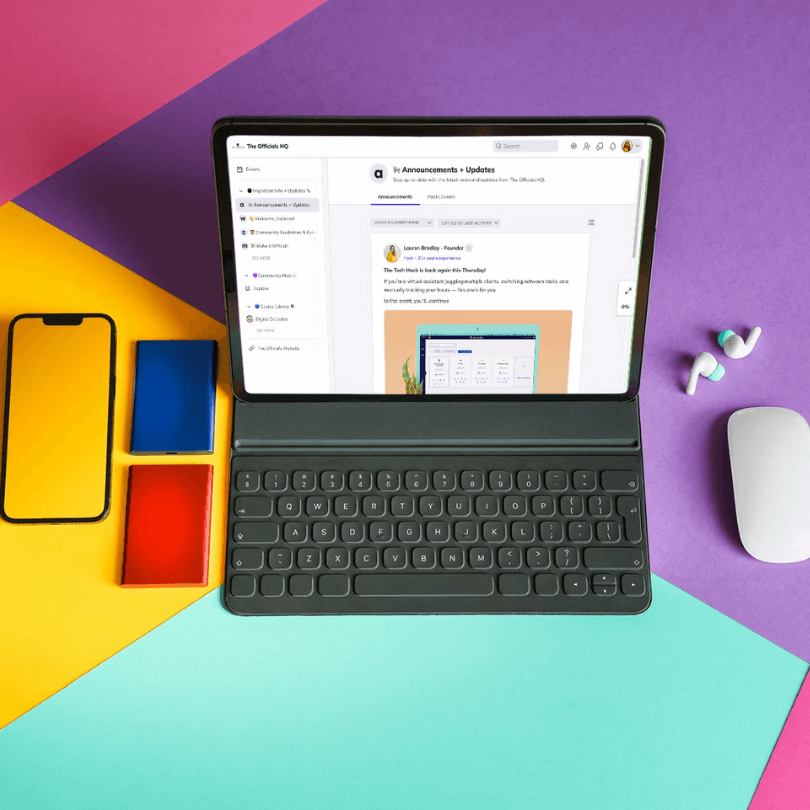
Register inside HQ Make sure you RSVP for this event via the Events page inside of HQ so we know you are coming.
Reminder You can also add a reminder to your calendar.
Please note this page may contain affiliate links that support us to do what we do best. We only partner with products and services we love. You can read our Affiliate Disclaimer for more information.
December 9, 2025
@
4:00 PM
–
5:30 PM GMT
8-9:30am PT | 11am-12:30pm ET | 4-5:30pm UK
Workflows that think ahead so you don’t have to
This session shows you how to transform repetitive admin tasks into smooth, automated workflows using the Microsoft ecosystem. If you’re juggling Outlook, Teams, SharePoint, and endless follow-ups, this is where you learn how to make those tools work together — and work for you.
What to Expect
A fast, practical walkthrough of the Microsoft tools assistants can use to automate everyday admin tasks. We’ll break down what Power Automate is, where it fits into your day, and how to build simple but powerful flows you can use immediately.
In this session, we’ll cover:
Intro to Automation
Getting Started with Automation
Real EA-friendly demo workflows
Common pitfalls and how to avoid them
Who Should Attend
Assistants, office managers, and operational pros who work in Microsoft 365 and want to automate without becoming a developer. Perfect for beginners and anyone curious how far Power Automate can take them.
FAQs
Do I need prior experience? No. This session is beginner friendly.
Any prerequisites for the session? No but it helps to check that you have access to Power Automate and to have it open and ready to go during the session.
Will I get templates? Yes, you’ll receive starter workflows and idea lists.
Is this recorded? Yes. Replay will be available to registered attendees.
Join us and learn how to design a smoother, smarter workday with Microsoft automation.
HQ Members
Yay! We are so excited you want to join us.
Register inside HQ Make sure you RSVP for this event via the Events page inside of HQ so we know you are coming.
Reminder You can also add a reminder to your calendar.
Smarter workflows. Less chasing. More breathing room.
Following from our Tech Hack sessions where we introduced the power of Microsoft Lists, this HQ Live session goes one step further. This is your backstage pass to combining Microsoft Lists with Power Automate, a powerful pairing that lets you stay organized with helpful automation.
Whether you’re a digital newbie or already dabbling in automation, this session is designed to meet you where you are with clear demos and real admin use cases.
Not yet a member? Make It Official.
Did you know that HQ Members get to attend our HQ Live session for free?